


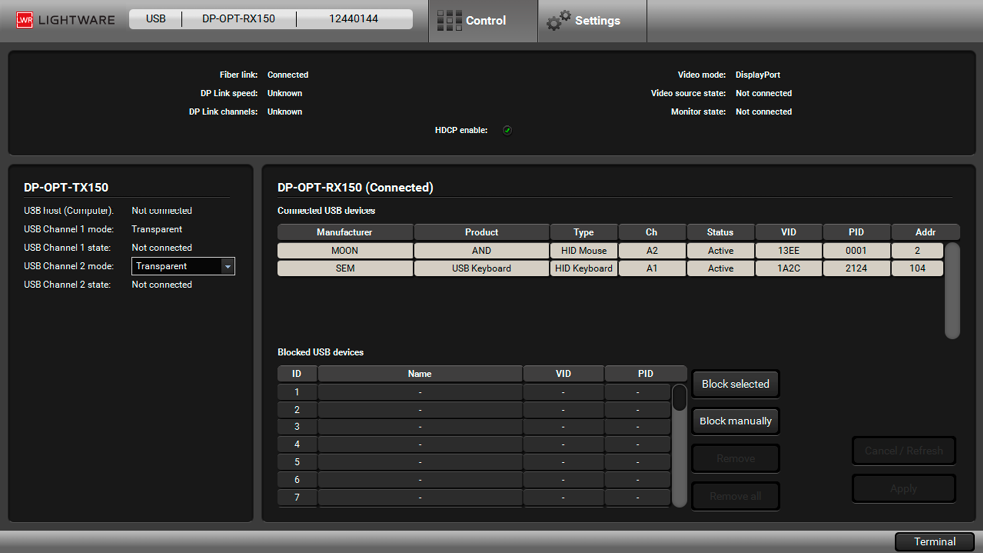
The Control menu
Two channels are used for the USB communication, which can be set as described in the USB Modes section. Channel 1 is always transparent, Channel 2 can be set to transparent or configuration mode.
|
Parameter |
State and Description |
|---|---|
|
USB host (computer) |
Connected |
|
USB Channel 1 mode |
Transparent (always) |
|
USB Channel 1 state |
Active Not connected (it depends on the HID devices) |
|
USB Channel 2 mode |
Configuration Transparent |
|
USB Channel 2 status |
Active |
ATTENTION!USB Channel 2 mode can be changed through a drop-down menu. When switched to transparent mode, the extender is disconnected from the LDC immediately.