

4.2. Connecting to a Device (Device Discovery Window)
There are three tabs for the different types of interfaces: Ethernet, Serial, and USB. Select the USB tab to connect to the desired extender.
Establishing the Connection
Double click on the device or select it and click on the green Connect button. Please note that if you connect to the Transmitter directly, it must be in Configuration mode.
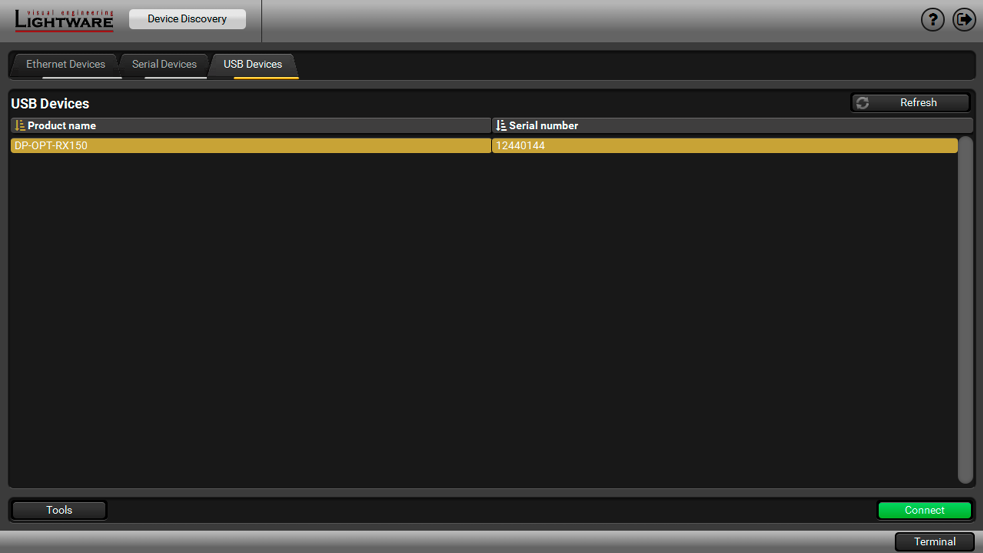
The Device Discovery window